
What changed from the first test
Our earlier browser-control test could access only Chrome. Brave and Firefox were unavailable in that cloud session. It was a test of browser access, not a comparison of three browsers.
This follow-up used a separate Vercel Sandbox running Ubuntu 26.04, with actual vendor browser packages: Chrome 152.0.7977.82, Brave 1.94.121 with Chromium 152.0.7977.83, and Firefox 155.0.1. Chrome and Brave share the Chromium engine, so this covers three products and two browser-engine families.
A ChatGPT agent operating in Codex selected actions from live page observations. A small Selenium controller exposed navigation, click, text entry, selection and observation commands. It contained no task-specific click sequence or answer lookup. The agent read the returned page state, chose the next action and checked the result. This was a custom automation setup, not a claim that the standard ChatGPT browser tool natively controls all three browsers.
The three identical tasks
- Form submission. On Selenium's web form, enter “Agent comparison,” add “Identical task across three browsers.” in the textarea, choose “Two,” check the default checkbox, submit and verify the receipt and submitted values.
- A delayed input. On Selenium's dynamic page, reveal a new input, observe it when it becomes visible, enter “Agent comparison” and verify the value.
- A catalogue decision. From Books to Scrape, open Travel, compare the 11 listed prices, open the cheapest book and confirm its price and stock. The site is a demonstration catalogue; its prices are not shopping advice.
Every task started with a fresh browser profile and a 1280×900 content viewport. Browsers ran headlessly and sequentially on the same 2-vCPU, 4-GB VM. Order rotated: Chrome–Brave–Firefox for the form, Brave–Firefox–Chrome for the delayed input, and Firefox–Chrome–Brave for the catalogue.
Completion was the same in all three
Each browser completed 3 of 3 tasks. The controller recorded zero failed actions, and the agent repeated no failed action. The delayed-input task needed one additional observation in each browser while the control appeared. We count that as waiting, not an action retry.
All three form trials reached “Received!” with the same text, textarea, dropdown value and two checked-checkbox parameters. All three catalogue trials selected The Road to Little Dribbling at £23.21 and confirmed three copies available on the detail page.
The recorded times are agent-workflow times
The table shows elapsed time from the navigation request to the agent's completion record, excluding browser startup and installation. It includes page observations, screenshots, tool transport, agent deliberation, status messages and interruptions. Those factors differ between trials, so these numbers must not be used to rank browser speed.
| Browser | Form | Delayed input | Catalogue | Action retries |
|---|---|---|---|---|
| Chrome | 34.9 s | 50.7 s | 58.6 s | 0 |
| Brave | 34.6 s | 51.9 s | 53.7 s | 0 |
| Firefox | 37.3 s | 55.0 s | 81.8 s | 0 |
The log separately records time spent inside navigation and action calls, plus browser startup. Action-call totals exclude page extraction, screenshots, agent thinking and most waiting; they are not full task times either. The nine-row CSV preserves both measurements without turning either into a winner.
Screenshots and an inspectable record
We captured 39 screenshots across the nine trials. Actions were selected from visible DOM text and control properties; screenshots were saved at each observation and representative images were reviewed afterward. This did not test an agent that acts from pixels alone.
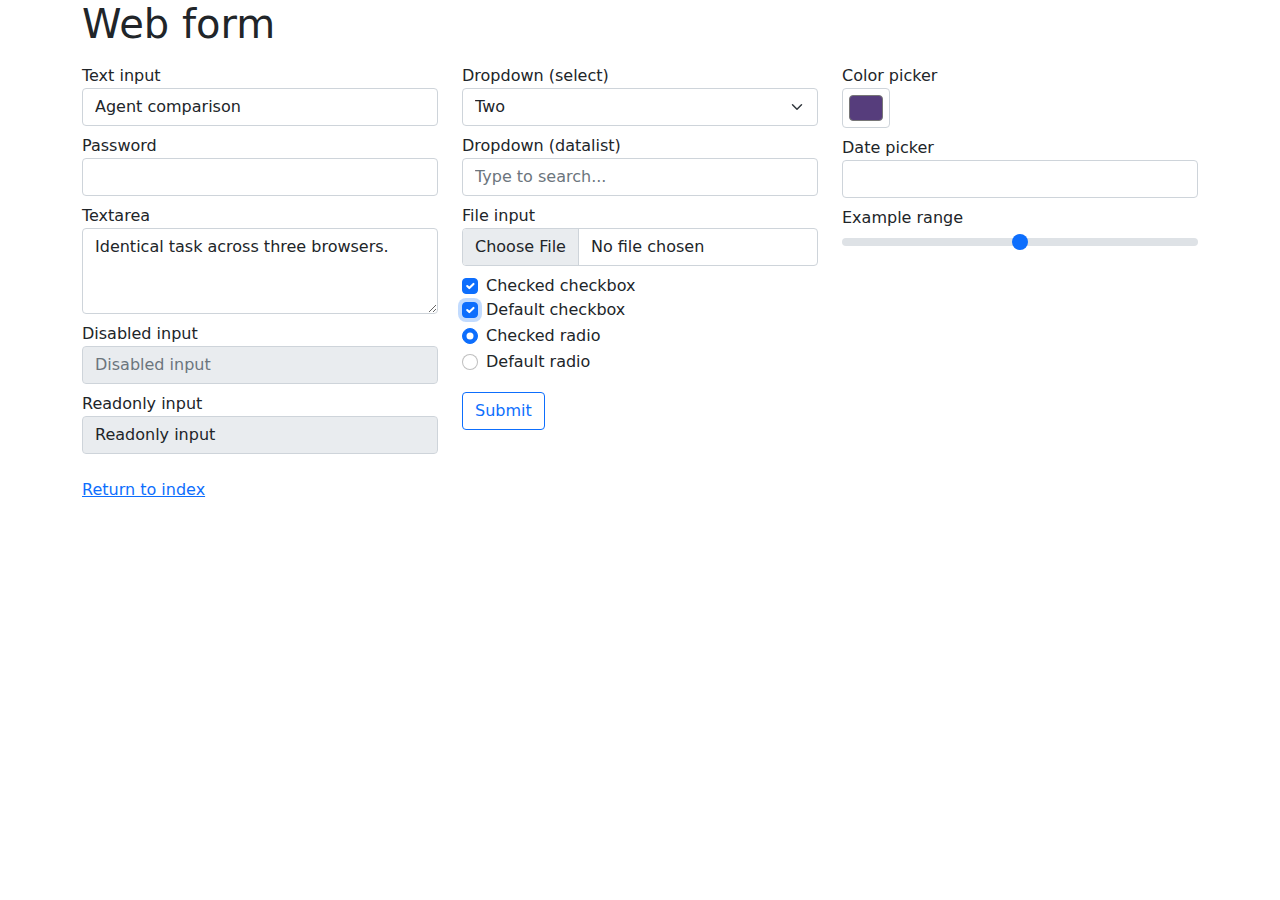
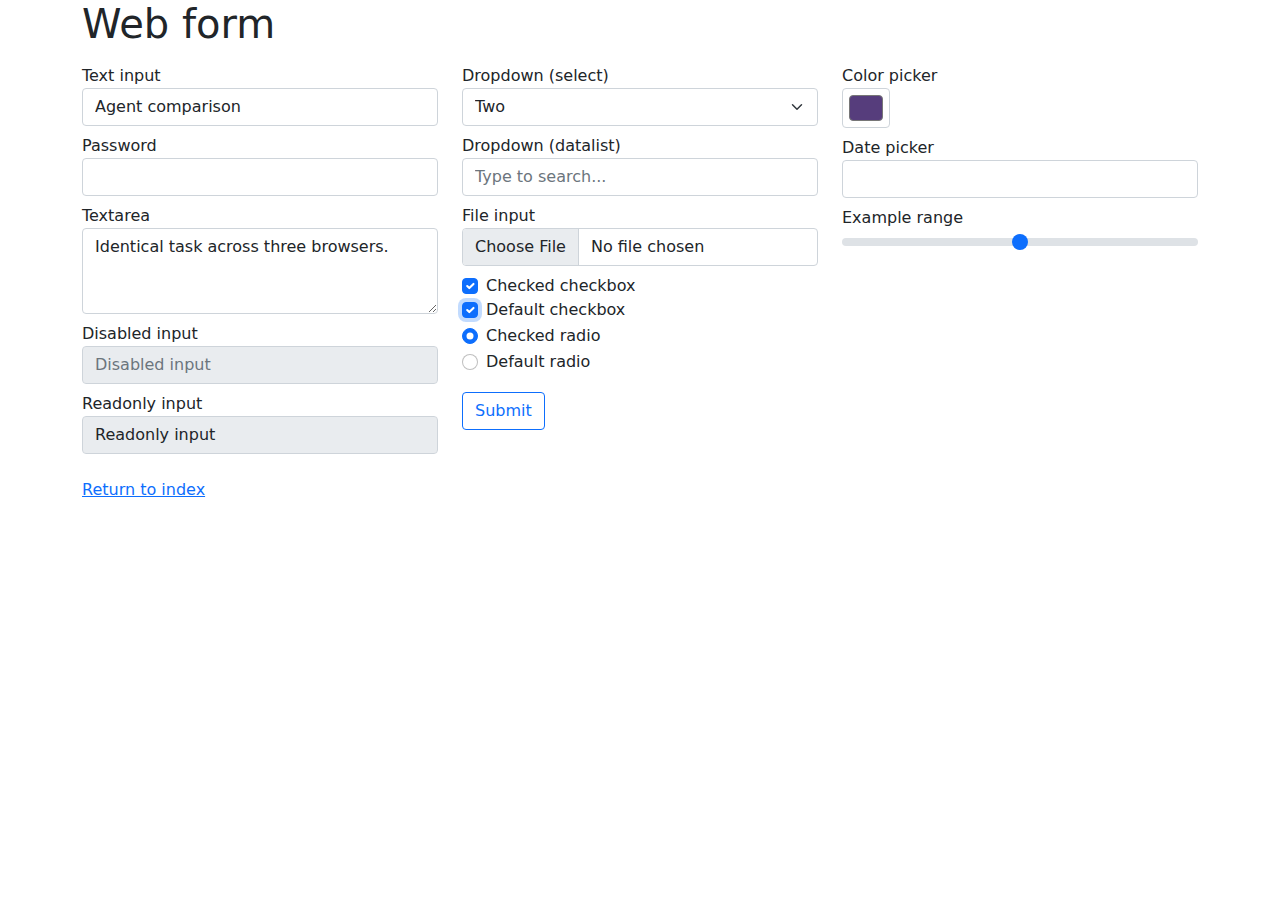
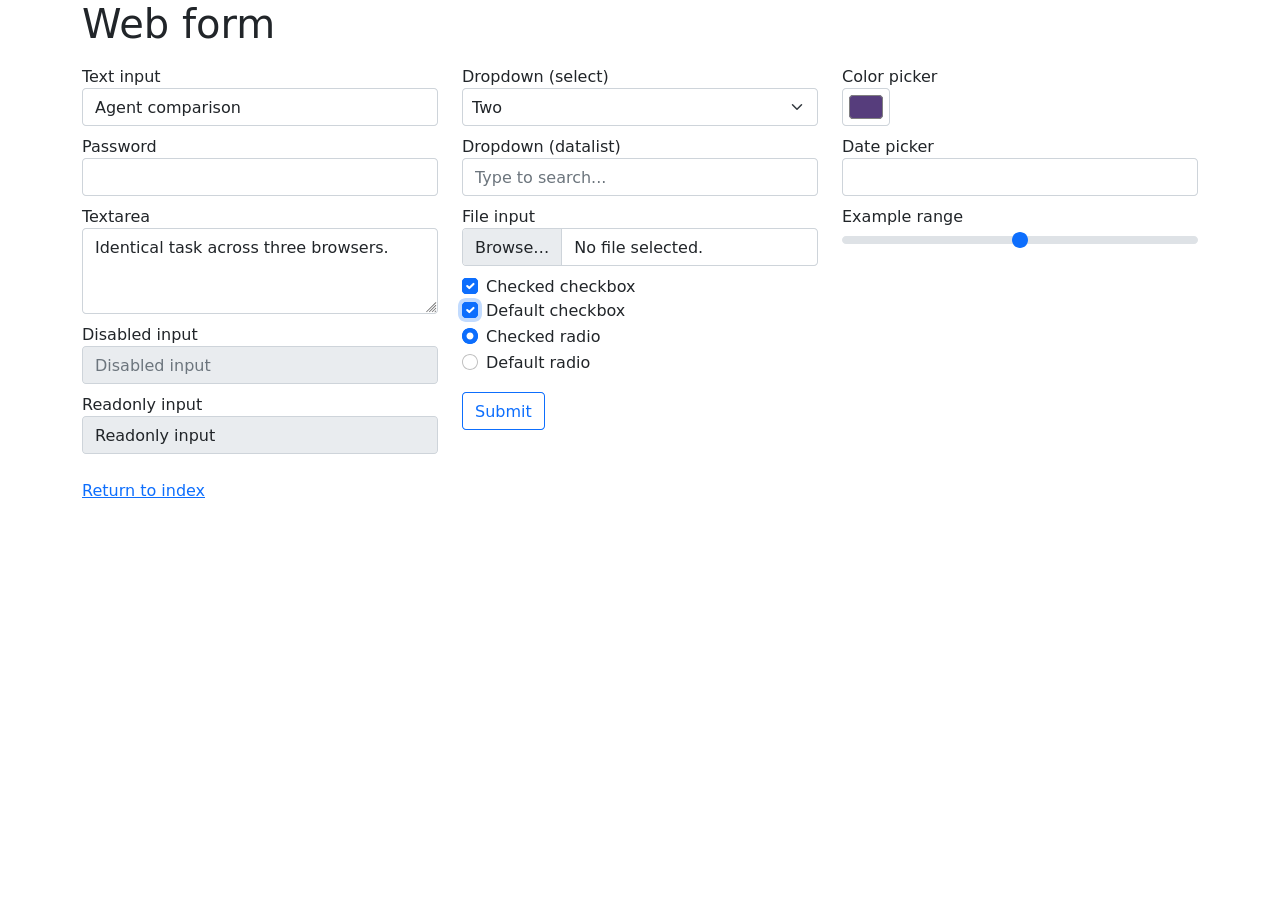
Download the results, action log and controller source. The public log retains requests, timestamps, versions and page URLs; full extracted page bodies are omitted. Installation and browser launch were outside the task timers.
The VM cost was about three cents
The stopped session reported 824.396 seconds of runtime, 244.801 active CPU seconds, 4 GB of memory and 7.9 MB outbound traffic. Using Vercel's published iad1 rates, CPU is approximately $0.0087, memory approximately $0.0198 when rounded up to 14 minutes, and outbound transfer approximately $0.0012. Together with one creation, that is about $0.03.
This is a calculated VM-usage estimate, not an invoice. It excludes taxes, the existing Codex subscription and this article's deployment. No separate paid model API was used. The non-persistent VM was stopped after evidence was downloaded, and the stopped state was verified.
Why Safari is absent
Safari was requested later, but this VM runs Linux. Apple's Safari WebDriver setup requires macOS. A Linux WebKit build would not establish a Safari result. Safari is therefore untested, not failed. A useful follow-up would run all browsers on the same macOS host rather than mix a local Safari timing into this Linux table.
What this tells website teams
In these tasks, ordinary links, labelled fields, a native select and explicit result states were sufficient for the agent to work across Chromium and Firefox. That supports a practical starting point: make your important journeys readable as page structure, give controls meaningful names, and expose the outcome after an action.
Test your actual journey before choosing a browser on an agent's behalf. Confirm the installed product, the control interface and the final state. Browser access, task completion and speed are separate questions.
The limits are substantial: only three simple tasks on two public demo sites, one trial per browser-task pair, one continuing agent context, no blinded runs, and no login, CAPTCHA, checkout, mobile or adversarial-page testing. Rotating order does not remove learning or timing noise. Nine completions do not establish a population success rate, a browser ranking or an AI-search visibility lift.
For teams working on discovery as well as agent usability, Aiso's AI search visibility platform helps investigate which sources and brands appear in AI answers. This experiment addresses whether an agent can operate a page; it does not measure whether that page gets recommended.